

SketchUp AI Render Tools
Turn your SketchUp designs into photorealistic CGI in seconds with AI. Export your viewport, upload, and render — no plugins, no waiting.
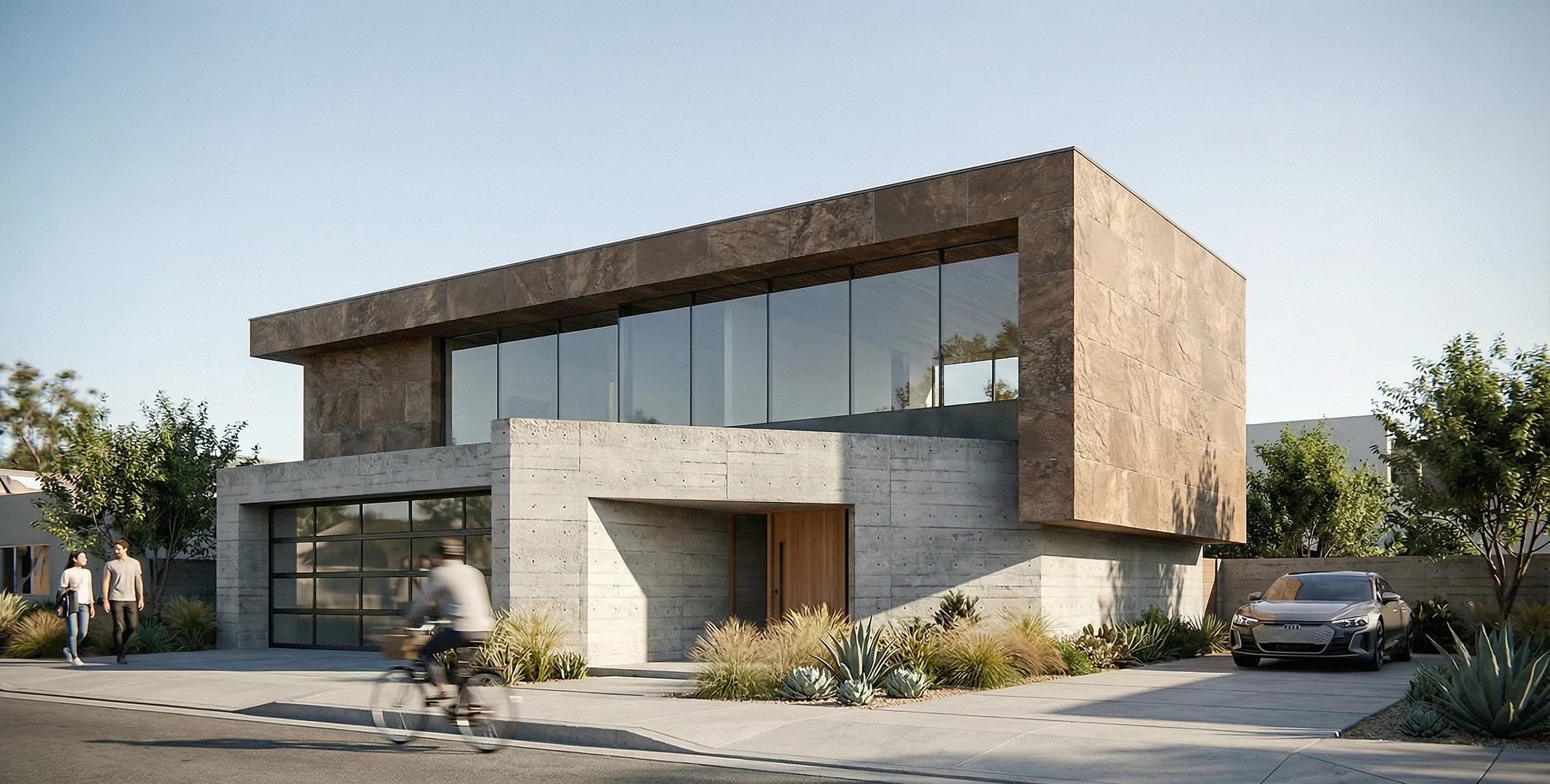
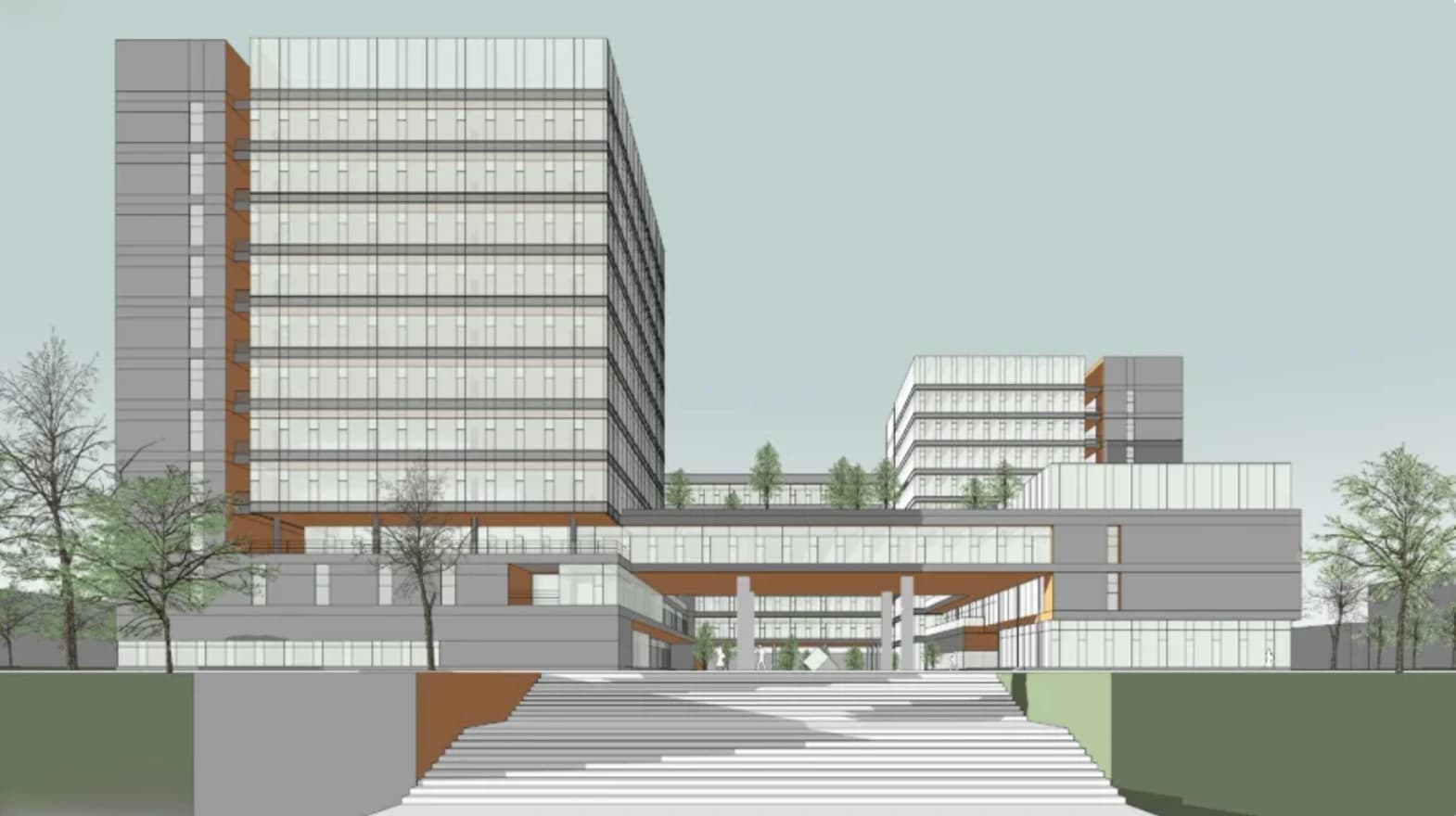
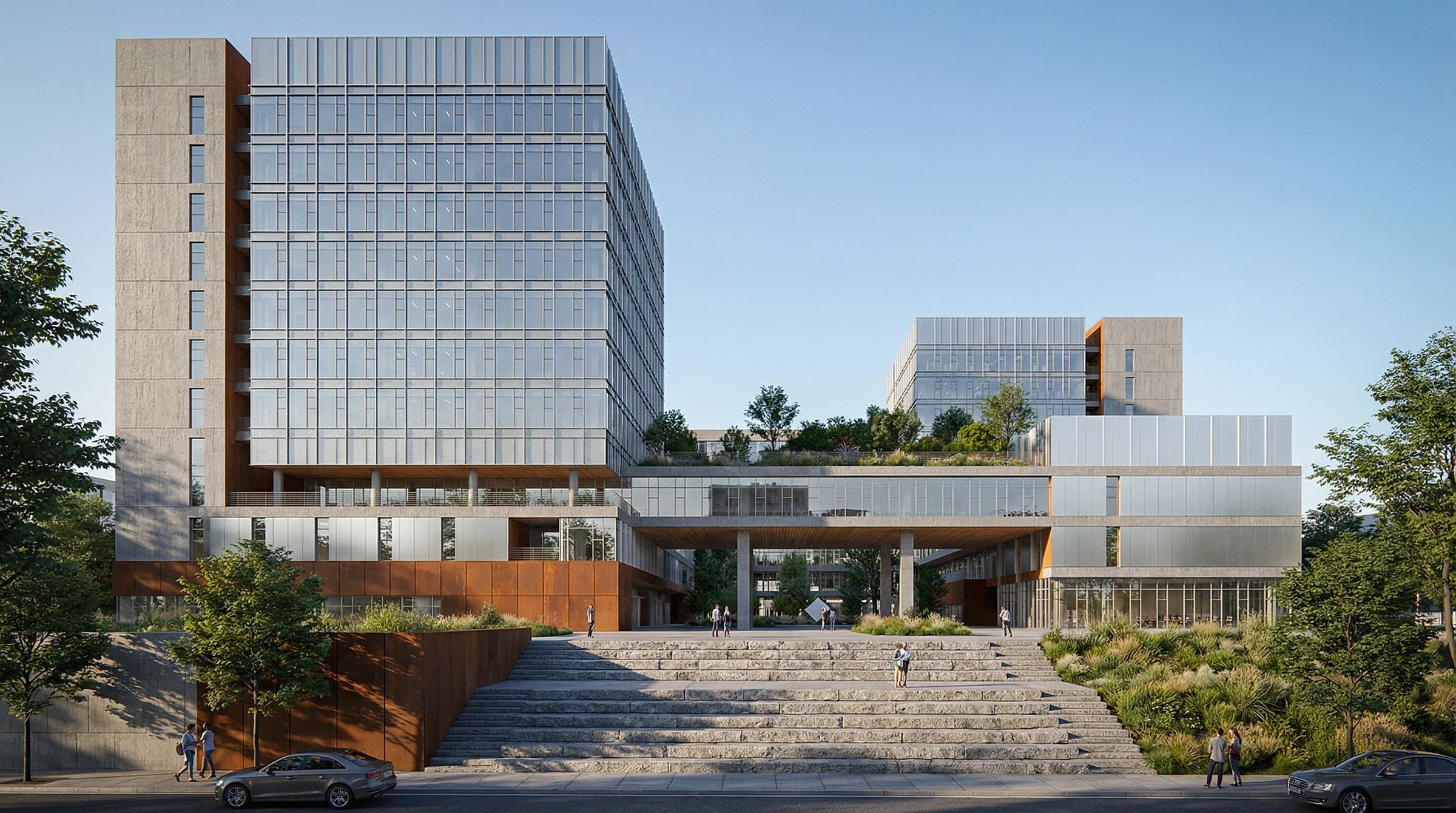
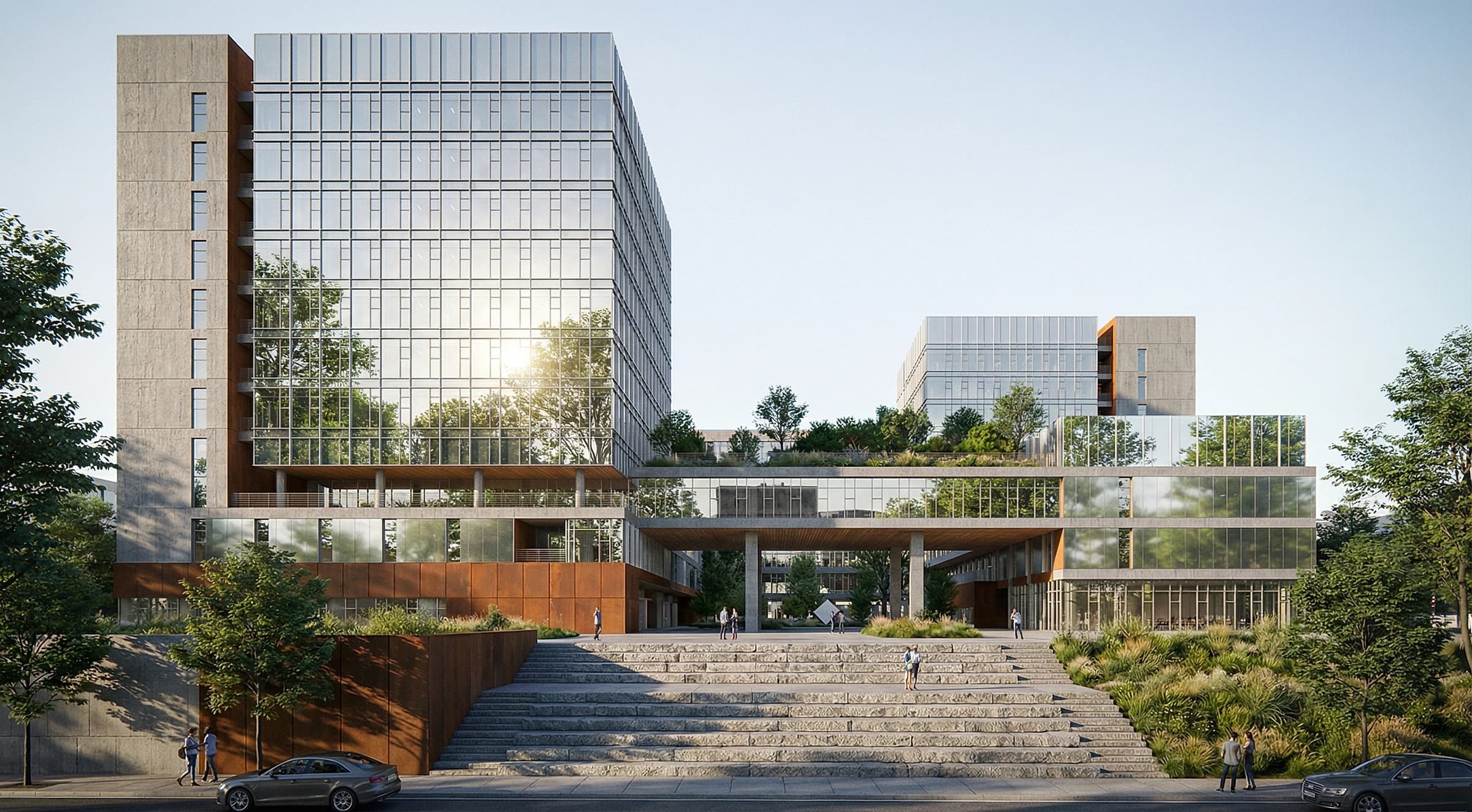
Rendering built for SketchUp workflows
Everything you need to take a raw SketchUp viewport to a client-ready visualization.
Works with any SketchUp export
Pro, Free, or Make — export your viewport as a PNG or JPG and you are ready to render.
Photorealistic output
AI turns flat SketchUp geometry into lifelike materials, lighting, and reflections.
Interior & exterior
Render building exteriors and interior rooms with dedicated engines tuned for each.
40+ architectural styles
Apply modern, minimalist, industrial, and dozens more styles with a single click.
High-resolution up to 8K
Generate crisp, print-ready renders and upscale to 8K for presentations.
Results in seconds
Skip hours of manual setup — get a rendered concept back in seconds, then iterate.
What you can do
Concept presentations
Turn early SketchUp massing into polished visuals to win client buy-in faster.
Design iterations
Explore multiple materials, moods, and styles from a single SketchUp scene.
Interior visualization
Furnish and light interior scenes exported straight from your SketchUp model.
How it works
- 1
Export your viewport
In SketchUp, export the current view as a PNG or JPG image.
- 2
Upload & choose a style
Drop the image into mnml.ai and pick from 40+ architectural styles.
- 3
Generate & refine
Render in seconds, then tweak the prompt or style until it is client-ready.
Frequently Asked Questions
How do I render SketchUp models with AI?
Which SketchUp versions are supported?
Can I render both interior and exterior SketchUp scenes?
Do I need to install a plugin?
Explore more AI tools
Render your SketchUp models today
Join 2M+ architects and designers using mnml.ai. No credit card required to start.