
V-Ray AI Rendering
Enhance your V-Ray renders with AI. Improve quality, upscale to 8K, and explore design variations in seconds.
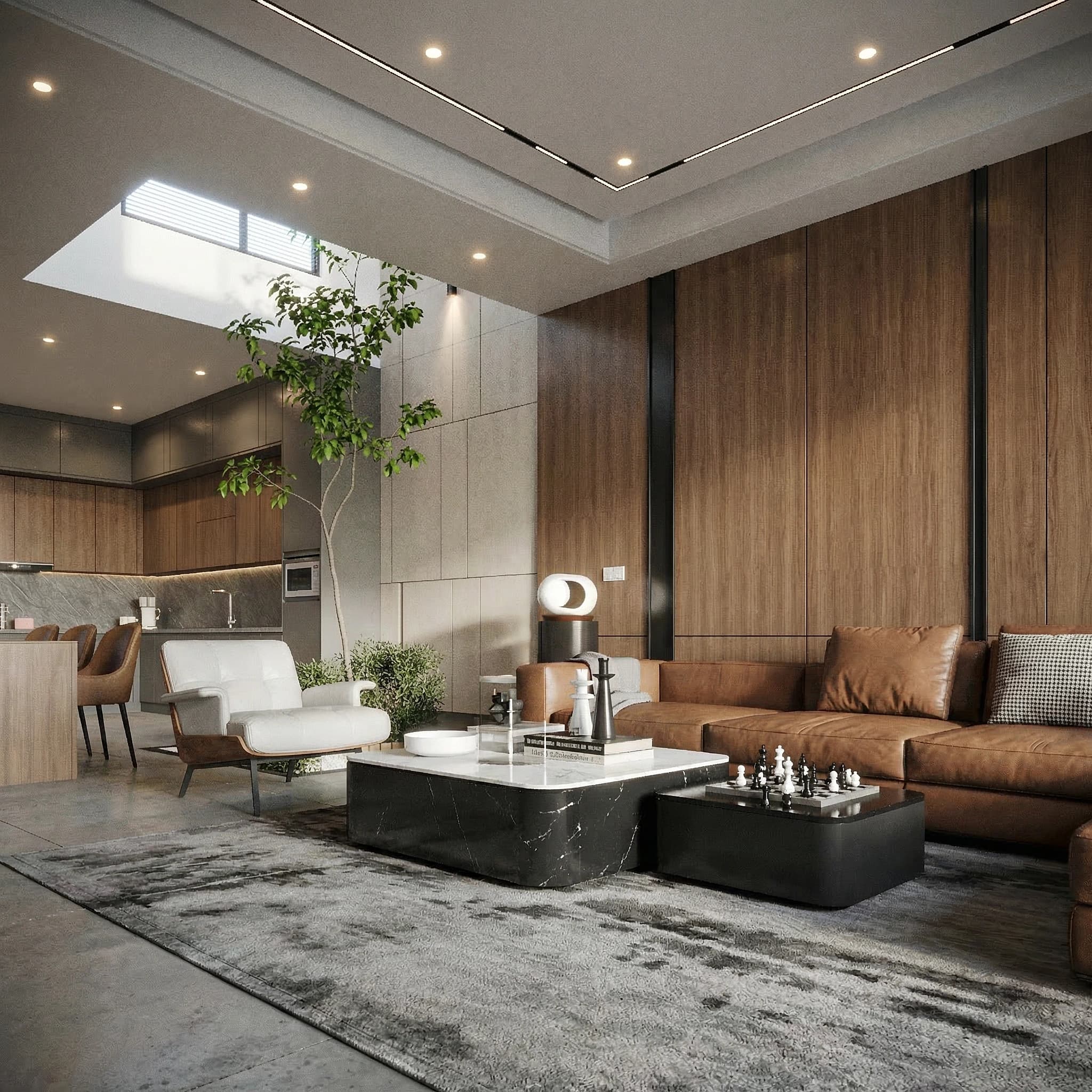
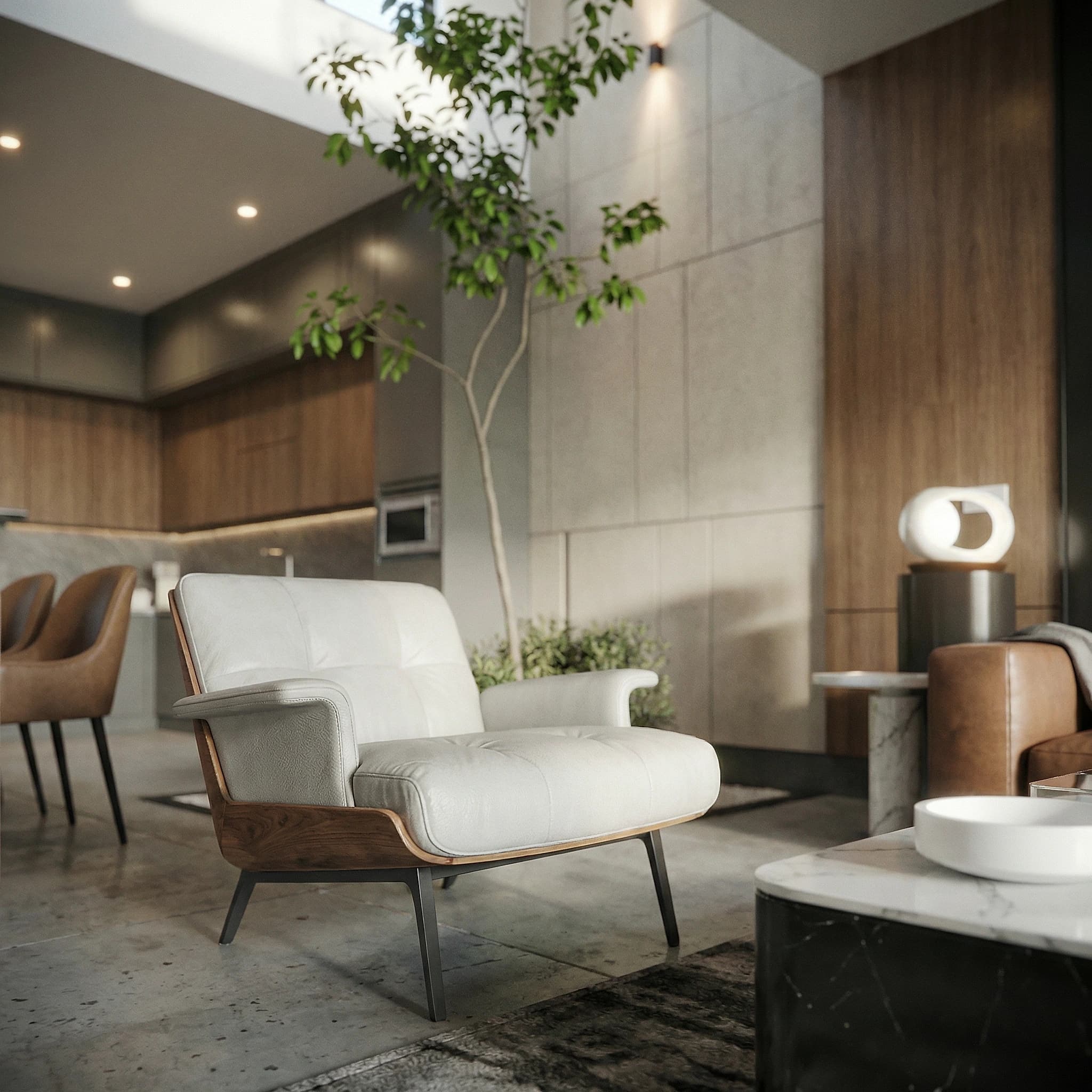
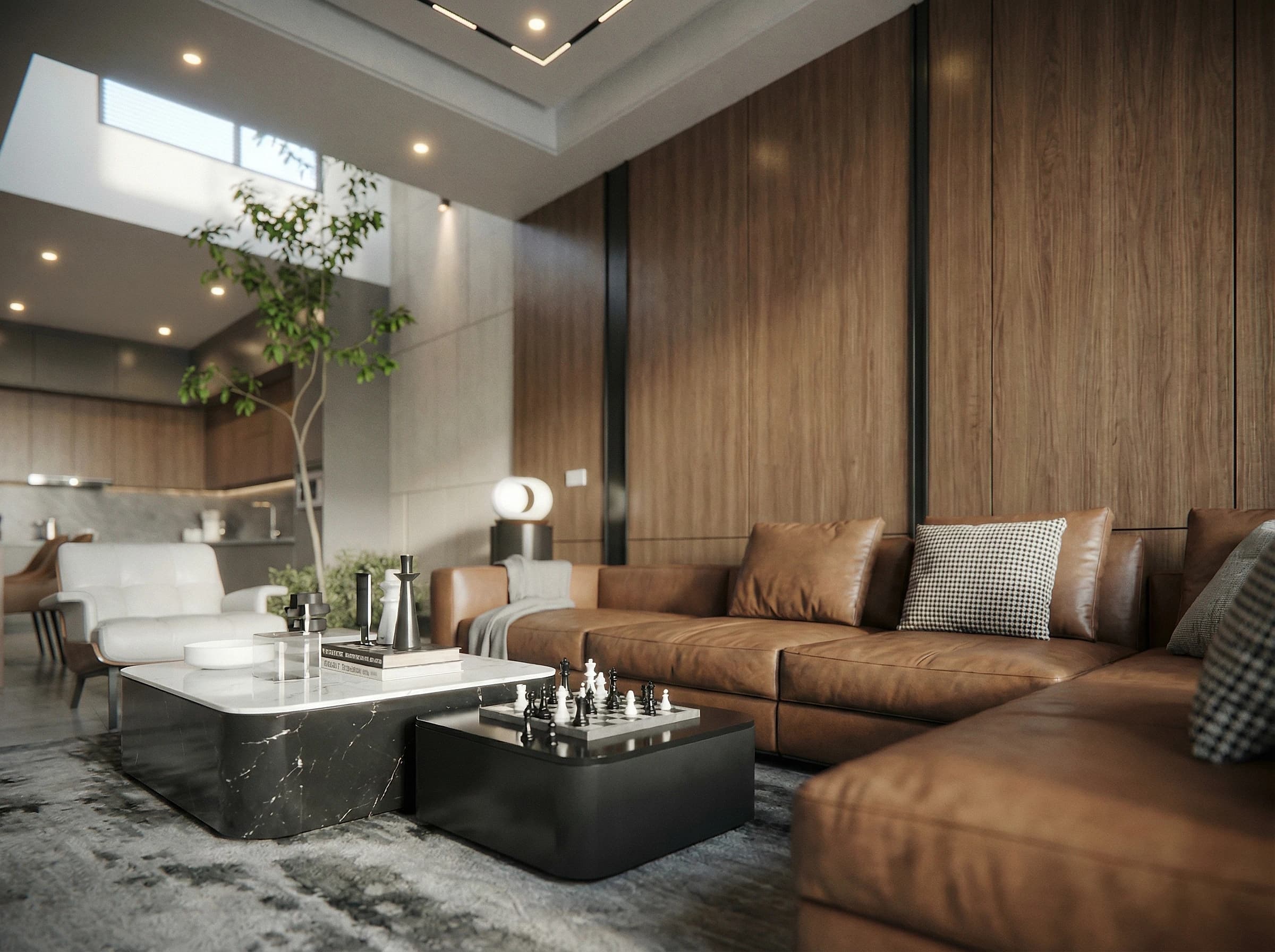
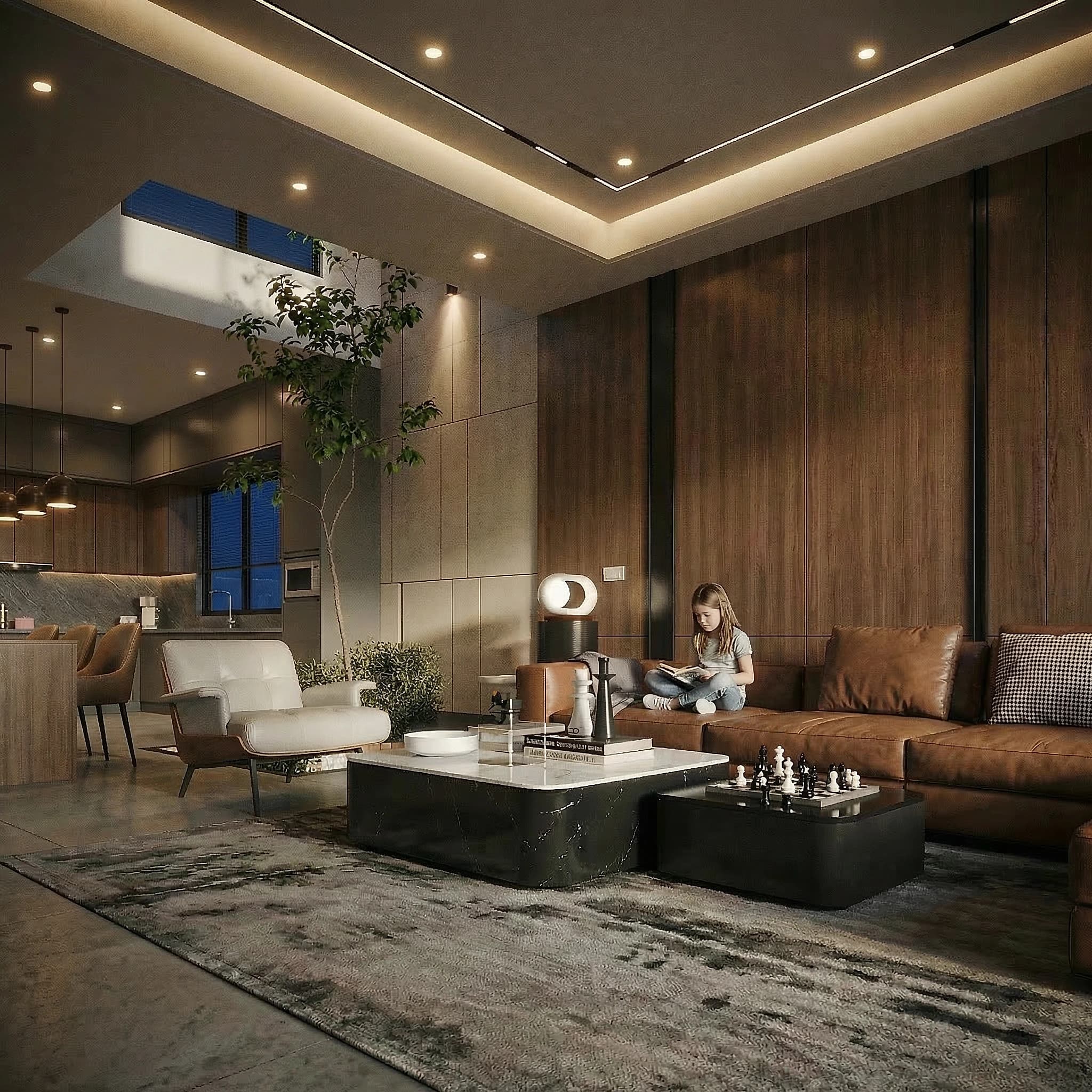
Compare
Feature comparison
| mnml.ai | V-Ray AI Rendering | |
|---|---|---|
| Enhancement | AI-powered quality improvement | N/A — V-Ray native output |
| Upscaling | Up to 8K resolution | Limited by render time |
| Speed | Seconds for enhancement | Hours for high-quality renders |
| Denoising | AI denoising + enhancement | V-Ray denoiser only |
| Style Variations | 40+ architectural styles | Manual material changes |
| Cost | Free credits to start | V-Ray license required |
FAQ
Frequently Asked Questions
How do I enhance V-Ray renders with AI?
Export your V-Ray render, upload it to mnml.ai Render Enhancer, and get an enhanced version in seconds. Works with V-Ray for SketchUp, 3ds Max, Revit, Rhino, and any other host application.
Can I speed up my V-Ray workflow with AI?
Yes. Render at lower quality in V-Ray (faster), then use Render Enhancer to upscale and improve quality. This can reduce your total render + post-processing time significantly.
More tools
Explore more AI tools
Render EnhancerAI render enhancement and upscaling. Improve renders from Lumion, V-Ray, Enscape, and more.Lumion AIAI rendering enhancement for Lumion. Improve and upscale Lumion renders with AI.Twinmotion AIAI rendering for Twinmotion. Enhance Twinmotion visualizations with AI-powered tools.3ds Max AIAI rendering for 3ds Max. Transform 3ds Max scenes into photorealistic renders.SketchUp AI RenderAI rendering for SketchUp models. Transform your SketchUp designs into photorealistic renders.Revit AIAI rendering for Revit models. Transform Revit projects into photorealistic visualizations.Blender AIAI rendering for Blender models. Enhance Blender renders with AI-powered visualization.Interior AIAI interior design generator. Redesign rooms, upload photos, and create stunning interior visualizations.